01
Install the module
Install our FoundryVTT module by searching for "Handout Generator" in Foundry’s module browser, or download it directly from the FoundryVTT website. Once installed, enable the module in your world settings.
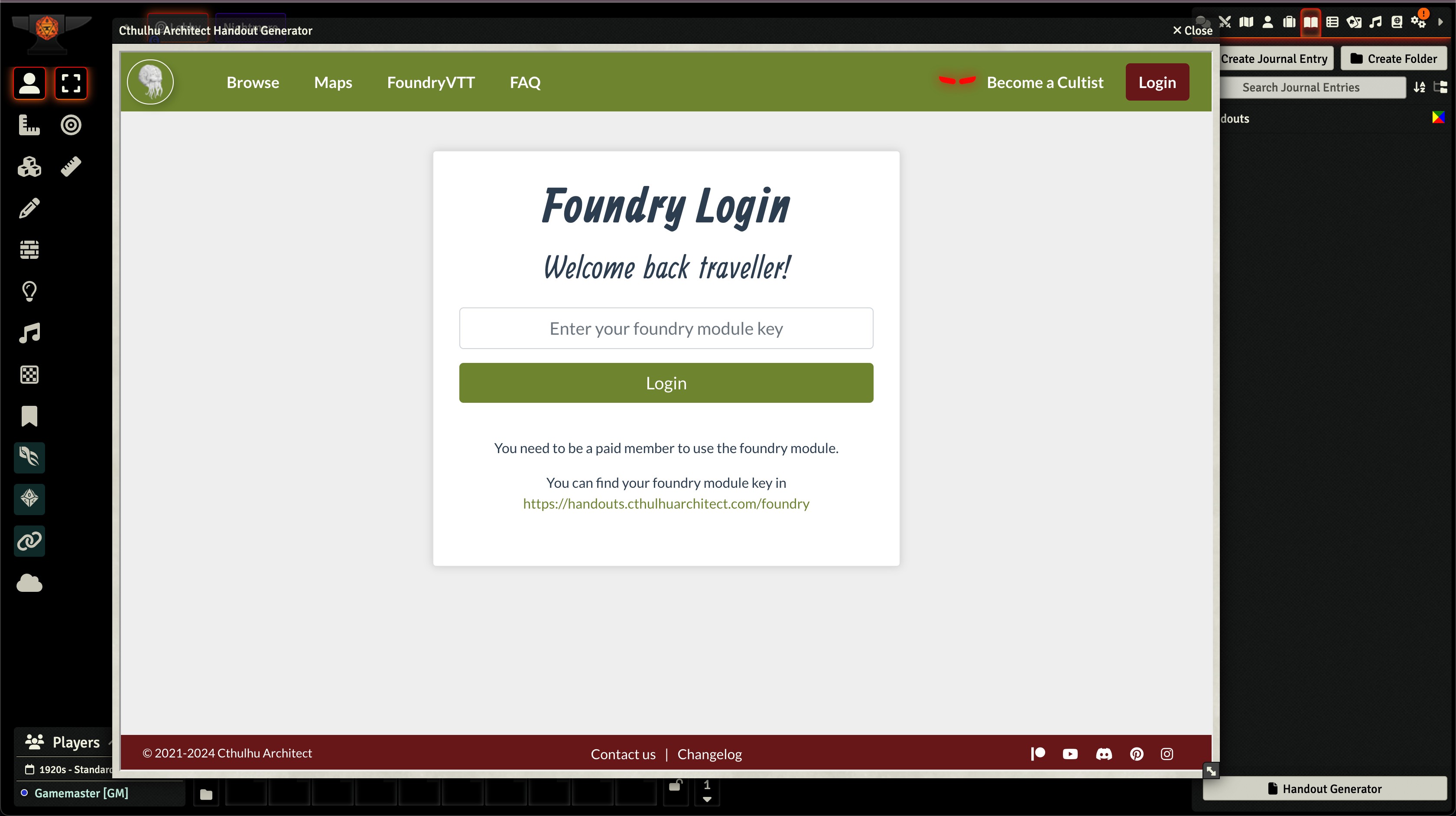
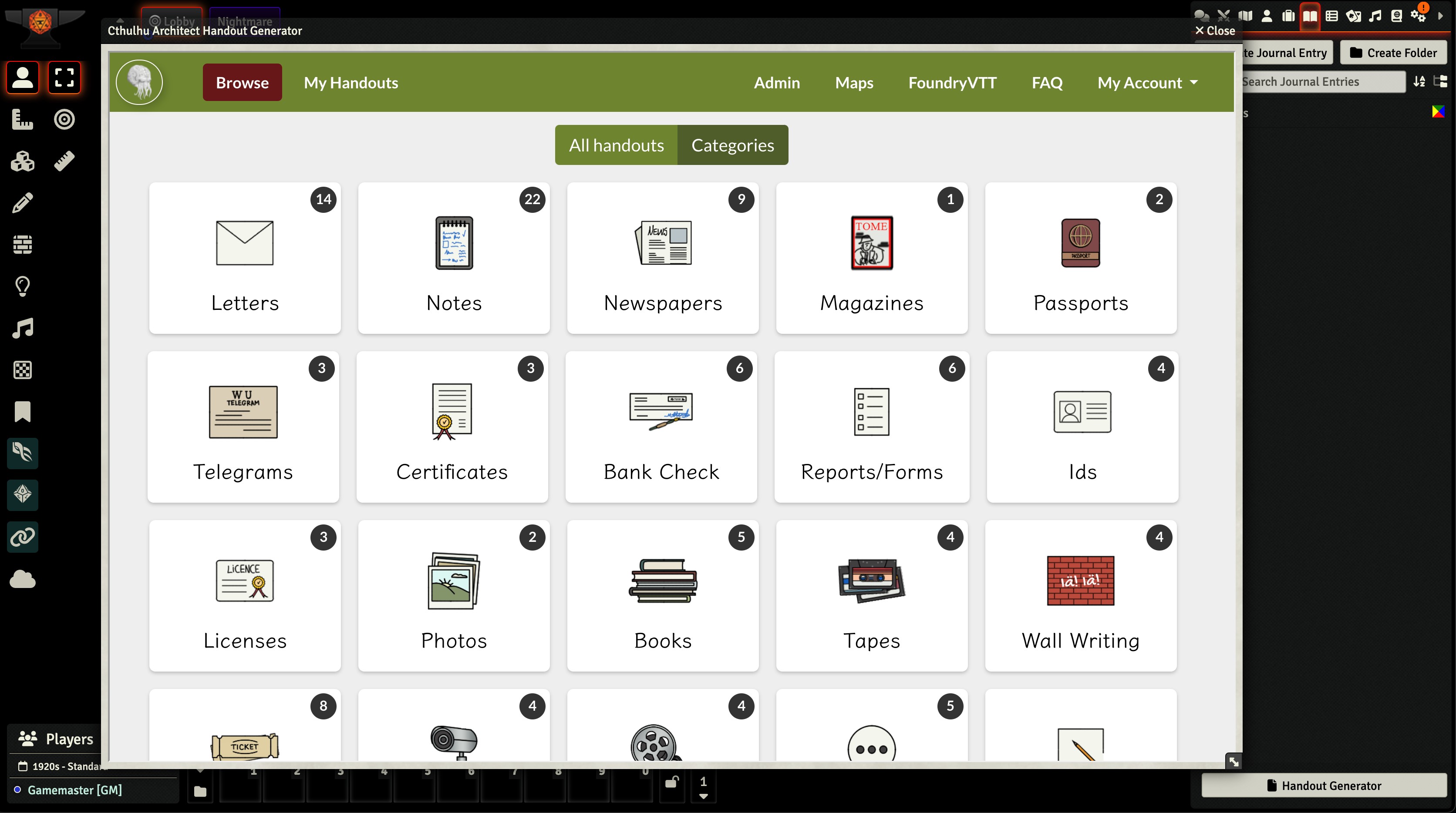
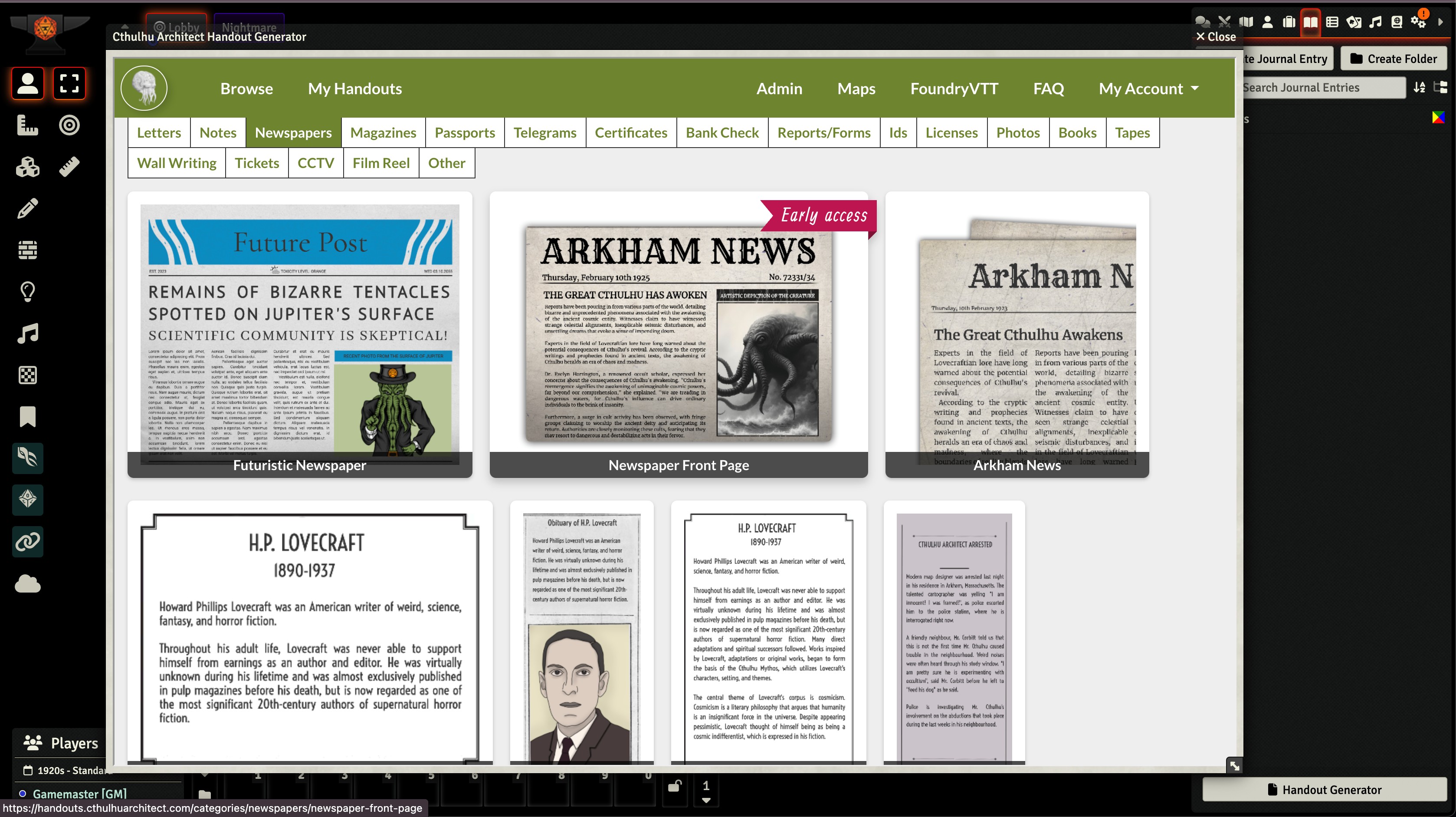
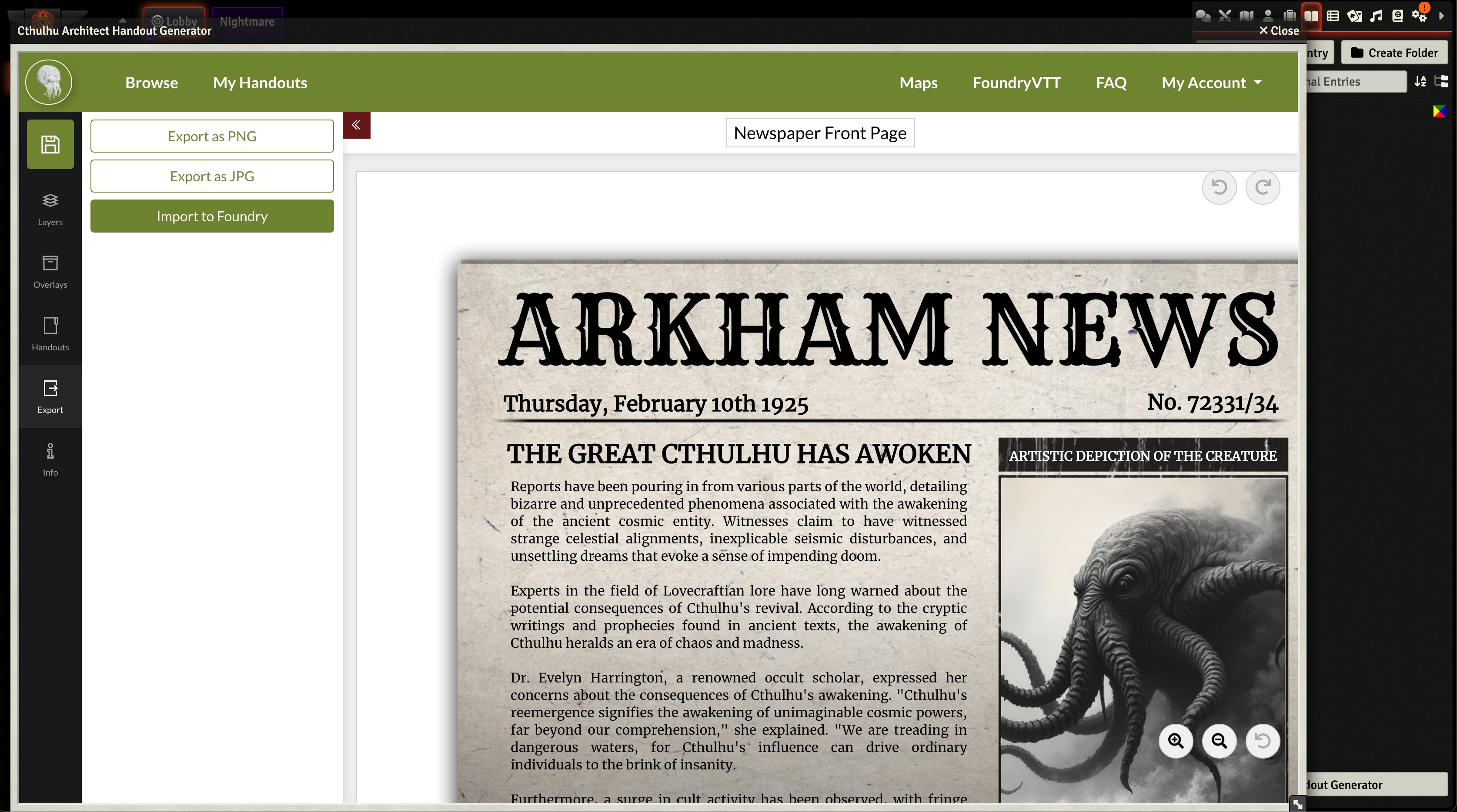
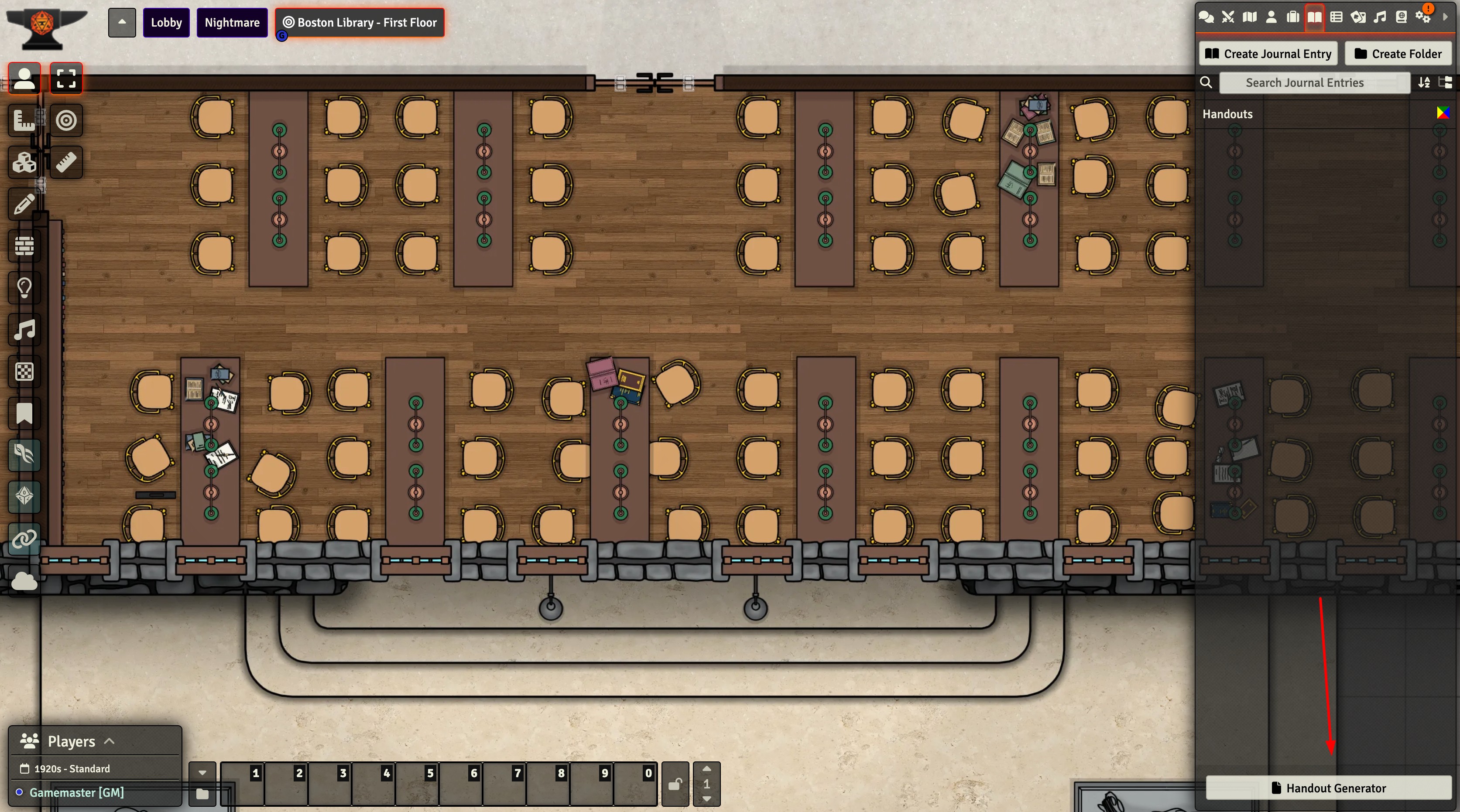
After activation, you’ll find the "Handout Generator" button in your Journals tab, giving you instant access to our entire handout library directly within Foundry.
Get the module